A Practical Guide to Hearing Aid Care and Everyday Maintenance
Hearing aid cleaning, maintenance and battery care help devices stay comfortable and reliable. Wipe the hearing aid daily with a dry, soft cloth. Keep the microphones and receivers free from debris. Replace batteries when sound weakens or the low-battery alert appears. Store devices in a dry, open case overnight. Keep them away from water, steam and strong heat. Replace a wax filter when it is blocked, visibly dirty or reducing sound. Never use alcohol, household cleaners or sharp tools. Contact a hearing care professional if feedback, distortion, moisture damage or fast battery drain continues. You should also seek help if the hearing aid stops working. At Audium Hearing Aid Clinic, we offer guidance on safe care, battery replacement, accessories and repair.
How Do I Clean My Hearing Aid Safely?
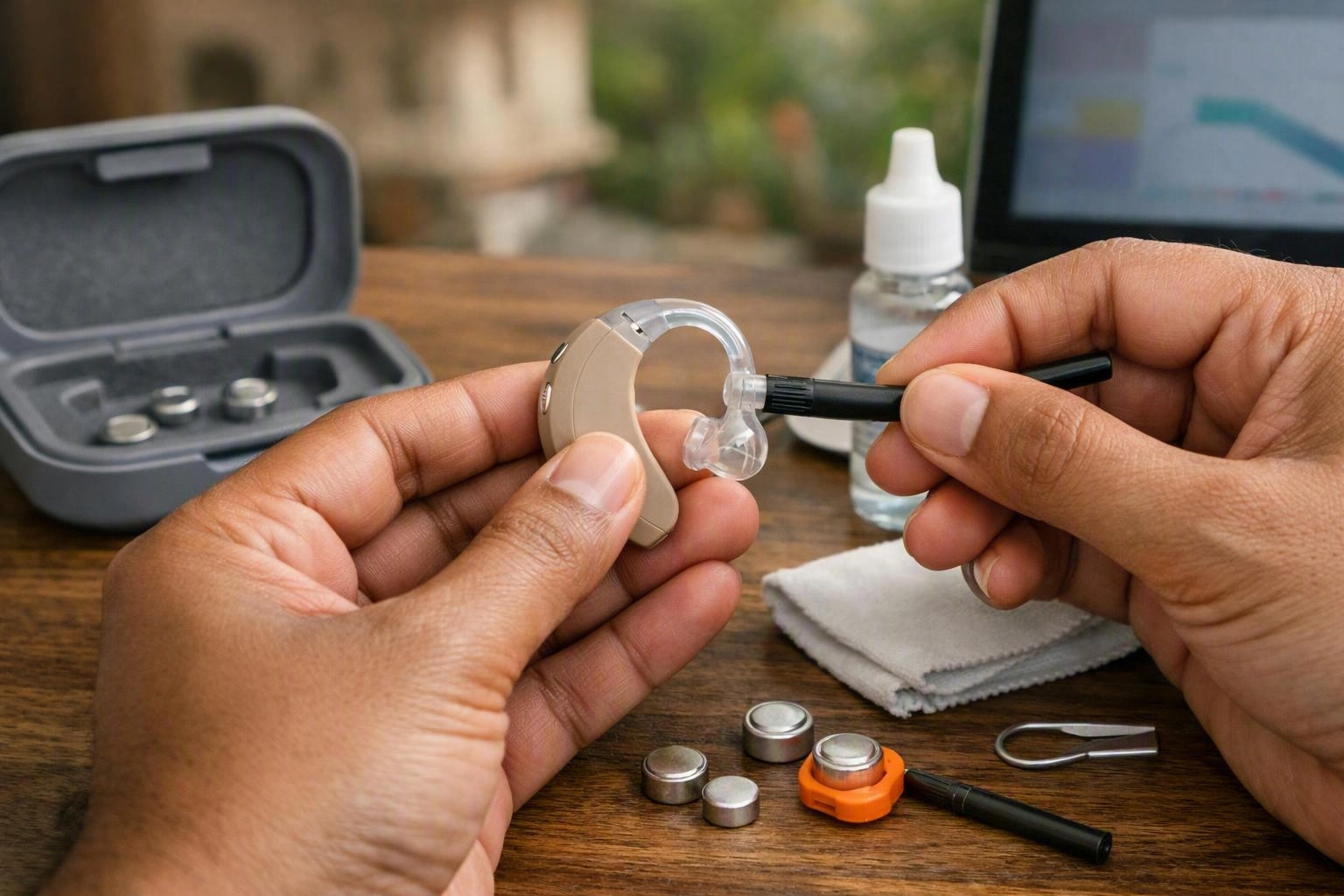
Hearing Aid Cleaning removes dust, earwax and skin oils without harming delicate parts. Switch off the device, or remove the battery when suitable. Wipe the case with a dry, soft cloth. Gently brush the microphone and receiver openings. Keep water, alcohol, sprays and sharp objects away. Always follow the manufacturer’s instructions.
Cleaning is an important part of medical device care. It helps older adults, first-time users and caregivers manage daily routines. Wash and dry your hands before handling the device. Work over a clean, well-lit surface. This helps you spot a small battery, dome or filter if it falls.
Never use household cleaners, disinfectant sprays, alcohol wipes, compressed air or direct heat. Use these only when the manufacturer approves them. They can damage seals, finishes, microphones or receivers. Most routine cleaning takes about 2–5 minutes per device. This is a practical guide, not a fixed rule.
Hearing Aid Cleaning in Bhubaneswar may help when a caregiver cannot see the openings clearly. It can also help when earwax keeps causing blockages. We can show you the right receiver cleaning and brush technique for your model.
When Should I Replace a Hearing Aid Battery and Why Does It Drain Quickly?
Hearing aid batteries need replacement when the low-battery alert sounds. Replace them sooner if volume weakens, sound becomes distorted or the device stops working. Fast battery drain may result from long daily use, wireless streaming, moisture, an active Bluetooth connection or poor storage. A device fault can also be the cause. A hearing professional can test the problem.
How often should I replace a hearing aid battery? There is no single schedule. A disposable zinc-air battery may last for different periods. Battery size, power needs, daily use, streaming and hearing loss settings all matter. Replace it when performance drops or the alert sounds. Don’t replace it only because a calendar date has arrived. Keep a compatible spare nearby. Store loose batteries away from keys and coins.
For a disposable cell, remove the protective tab only when you’re ready to use it. Let the battery activate as the manufacturer directs. Don’t place a battery in the compartment if it is wet, swollen, leaking or damaged. Keep batteries away from children and pets. Dispose of used cells through suitable local recycling or waste arrangements.
A rechargeable hearing aid uses an internal battery and charging system. It does not need routine disposable-cell replacement. Place both devices correctly in the charger. Keep the charging contacts clean and dry. Check the indicator against the manual. A rechargeable model may need technical help if it repeatedly fails to charge or suddenly loses operating time.
Why does my hearing aid battery drain quickly? Long daily use, heavy streaming and an active wireless connection can shorten battery life. High humidity, poor battery contact and an ageing cell can also contribute. Fast drain may point to moisture damage, a programming issue or an electronic fault. Compare several compatible batteries. Ask a hearing care professional for help if the change continues.
Our team can review hearing aid battery care, charging habits and compatible accessories during Hearing Aid Maintenance. Never bend contacts or attempt an internal repair at home.
How Do I Protect My Hearing Aid from Moisture?
Moisture protection helps protect hearing aids from water, sweat, humidity and condensation. Remove devices before bathing or swimming. Dry the outer case after exercise. Store them in a ventilated container or approved drying system. Never use a hairdryer or direct heat. Water resistance does not mean a hearing aid is waterproof.
Remove the device before showering or washing your hair. Keep it away from saunas and strong steam. Sweat from walking, sport or hot weather can enter through small openings. Wipe the outer surface with a dry cloth after exercise. Let it air briefly before storage.
A hearing aid dehumidifier, drying kit or approved electronic drying system can reduce overnight moisture. Follow the product instructions carefully. Some rechargeable hearing aids must stay in their charger. Some accessories cannot be used with heated drying. Keep the storage container clean and ventilated as advised. Never seal a damp device in a humid case.
Humidity and condensation can affect microphones, receivers, charging contacts and battery performance. Water resistance applies only to certain test conditions. It does not promise protection from immersion, soap, salt water or long exposure. If the device becomes wet, switch it off. Remove a disposable battery when suitable. Allow the device to dry safely. Don’t shake it, push tissue into openings or apply direct heat.
Older adults and caregivers may benefit from a simple evening routine. Wipe the device and inspect it. Open the battery compartment if recommended. Then place it in the approved drying system. Seek professional advice after soaking, repeated moisture warnings or sudden loss of sound.
When Should I Replace a Hearing Aid Wax Filter?
A wax filter needs replacement when it looks blocked or dirty. Replace it if sound becomes quieter, speech clarity falls or the receiver appears blocked. Use the correct filter and tool for your model. Replace it gently. Never push debris further into the receiver. Seek professional help if reduced sound continues.
Earwax is normal, but it can collect on the dome or filter. This can reduce sound output. A filter may look clear and still restrict the receiver. A change in volume or clarity is also a useful warning. Don’t remove earwax from your ear with cotton buds, pins or other objects.
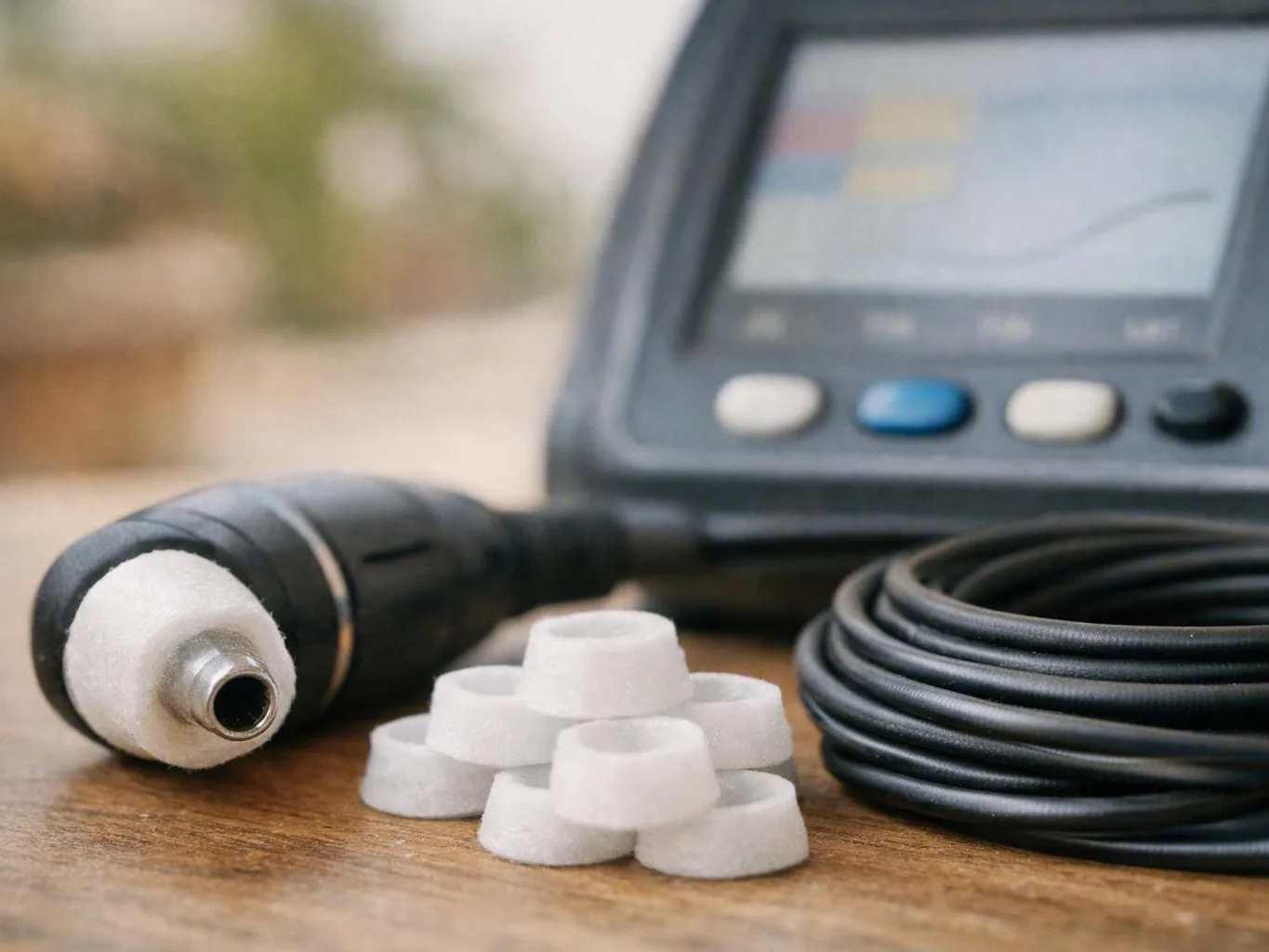
Use a clean surface and the filter tool supplied for your model. Remove the used filter as the instructions show. Discard it safely and insert a new, compatible filter. Don’t force it into place. Keep spare filters in their packet. This keeps them clean and dry.
Wax filter replacement is one type of receiver cleaning. However, it does not suit every hearing aid design. Some devices have a replaceable filter. Others need professional cleaning. If the new filter does not restore normal sound, the receiver may be blocked deeper inside. The microphone may also be dirty. The hearing aid might need programming or repair.
Hearing Aid Maintenance Timeline: What to Do and When
A daily hearing aid care routine keeps aftercare simple. Inspect and wipe the device after use. Check openings and accessories during the first week. Review batteries and wax filters during the first month. Continue daily cleaning and arrange professional checks. The right timing depends on the device, earwax production and use.
This timeline is a guide, not a replacement for the manufacturer’s instructions. First-time users may need more frequent checks while learning the controls. People with heavy earwax production may need earlier filter changes. Caregivers can record alerts, charging behaviour, fit and sound changes. This makes an enquiry more useful.
| Time period | Required actions |
|---|---|
| Immediate | Switch off the hearing aid, wipe away moisture and debris, and store it safely. Open the battery compartment where recommended. |
| First Week | Check microphone and receiver openings. Inspect tubing or domes. Confirm a comfortable fit and note feedback or sound changes. |
| First Month | Review battery performance and inspect the wax filter. Clean suitable accessories and seek guidance if problems continue. |
| Ongoing | Clean daily and protect the device from moisture. Replace batteries and wax filters as needed. Arrange professional cleaning, maintenance or repair when required. |
Weekly inspection is useful for tubing, domes, earmoulds, microphone openings and charger contacts. Monthly maintenance should include battery performance, filter condition and accessory fit. Professional cleaning can find debris or moisture that home checks cannot safely reach.
When Should a Hearing Professional Check or Repair My Hearing Aid?
Hearing aid repair may be needed when cleaning, a fresh battery or a new wax filter fails to restore normal performance. Ongoing feedback, distortion, intermittent sound, charging problems, physical damage or moisture exposure can signal a fault. The cause may involve the receiver, programming, battery or another component.
Arrange an appointment if the device suddenly whistles, sounds different in one ear or cuts out. Seek help if it fails to connect or cannot hold a charge. Not every change comes from the device. Earwax, a change in hearing or an uncomfortable fit can also affect results. A hearing assessment may help when sound remains poor.
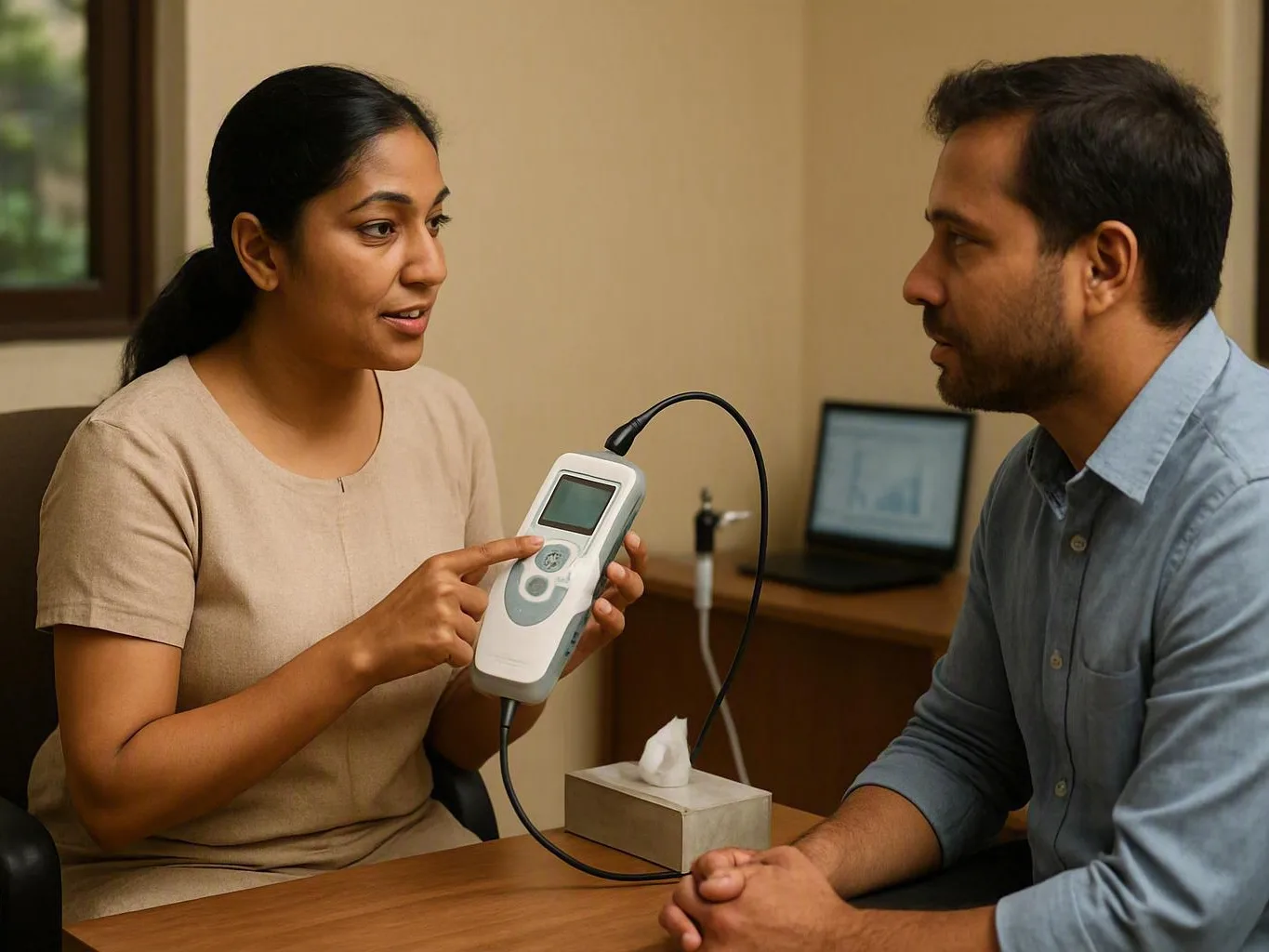
Bring the hearing aid, charger, batteries, domes, tubing and other hearing aid accessories. This lets the hearing care professional check the complete system. They can review the fit, clean safe-to-service parts and check the settings. Our team can explain whether routine hearing aid maintenance is enough or technical repair is safer.
Seek prompt advice after water exposure, a fall, a crushed casing or suspected battery leakage. Never open the housing or attempt soldering. Good aftercare protects the device. It cannot replace clinical assessment when the ear, fitting or electronics may be involved.
Warning Signs That Need Attention After Hearing Aid Care
Post-service warning signs include weak sound, new feedback, intermittent operation, unusual heat, battery leakage or skin irritation. Stop using a device that becomes hot, wet or damaged. Remove disposable batteries safely when suitable. Contact a hearing care professional instead of attempting internal repairs.
Skin irritation can come from pressure, moisture, an allergy, an incorrect dome or contamination. Remove the device if it causes pain or worsens the reaction. Seek medical advice for discharge, swelling or ongoing soreness. Professional aftercare is safer than repeatedly cleaning an irritated ear or changing the device yourself.
Questions About Hearing Aid Clinic
How Do I Clean My Hearing Aid?
Switch it off and wipe the case with a soft, dry cloth. Gently brush the microphone and receiver openings with the supplied brush. Keep water, alcohol, sprays and sharp tools away. Follow the model instructions. Seek professional help if weak sound or feedback remains.
How Often Should I Replace a Hearing Aid Battery?
Replace a disposable battery when the low-battery alert sounds. Replace it sooner if volume weakens, sound distorts or the device stops working. Battery life varies with size, use, streaming and settings. Charge rechargeable models according to the manufacturer’s guidance.
Why Does My Hearing Aid Battery Drain Quickly?
Quick drain may result from long daily use, wireless streaming, an active Bluetooth connection or moisture. Poor storage, weak battery contacts or a device fault can also contribute. Test a fresh compatible battery. Ask a hearing care professional for help if the problem continues.
How Do I Protect a Hearing Aid from Moisture?
Remove it before bathing or swimming. Wipe it after sweating and store it overnight in an approved ventilated container, hearing aid dehumidifier or drying kit. Keep it away from steam and direct heat. Water resistance is not the same as waterproofing.
When Should I Replace a Hearing Aid Wax Filter?
Replace it when it looks blocked or dirty, sound becomes quieter, speech clarity falls or the receiver appears obstructed. Use the correct filter and tool for the model. If sound remains reduced, arrange professional inspection instead of pushing debris further into the receiver.
Prepared for general education by Dr. Sakti Prasad Mohanty. Device instructions, ear health and individual hearing needs can differ. Professional advice is suitable when symptoms or performance changes continue.